Document scanner app
Free Document Scanner
A simple camera photo of paper keeps curled corners, desk clutter, and uneven shadows. Paperly's document scanner engine transforms ordinary handheld camera snapshots into crisp, publication-grade documents that look like they came straight off a flatbed scanner—all processed offline on your phone or PC.
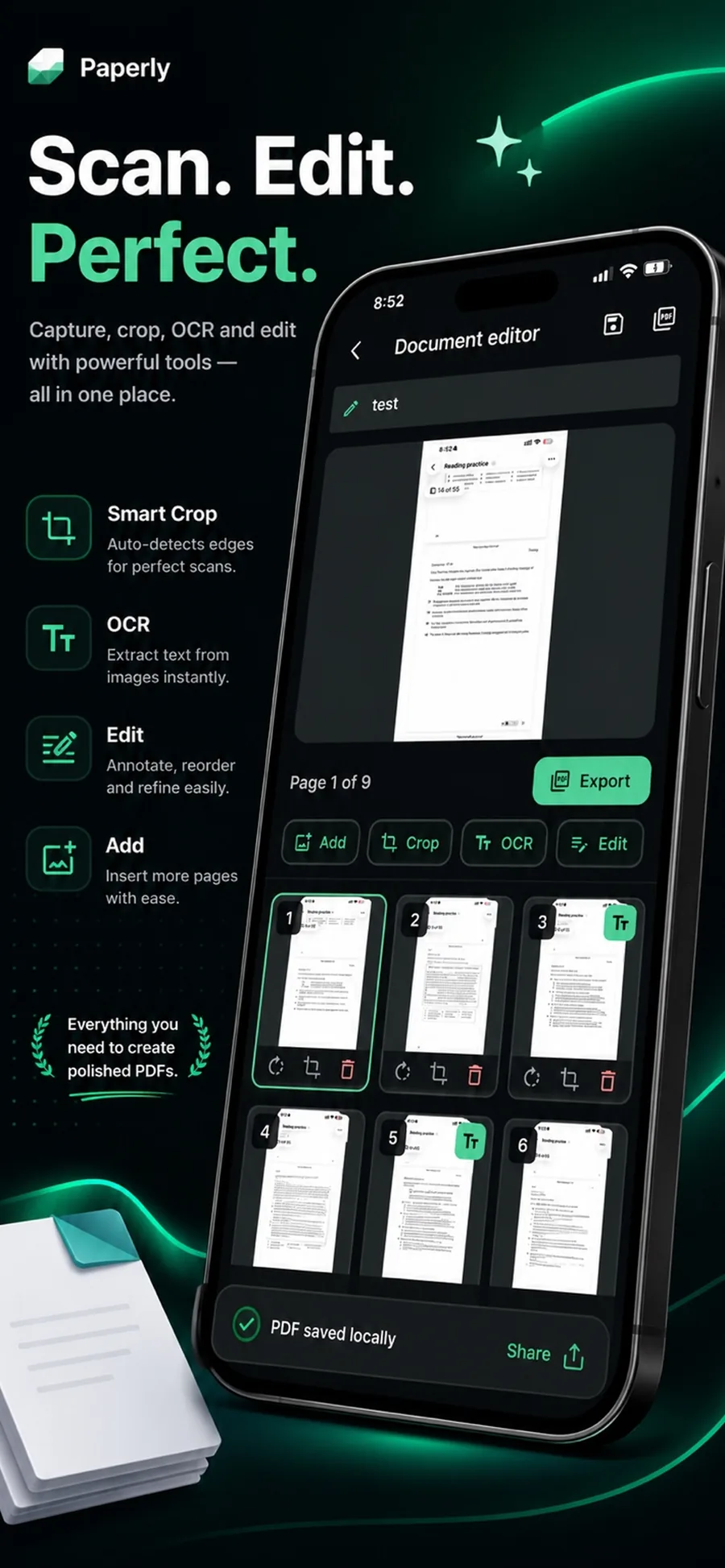
What it is
A document scanner is the core capture technology that converts raw photographs of paper into flat, high-contrast digital documents. Paperly's computer vision engine runs real-time quadrilateral boundary detection, corrects acute camera angles with perspective projection, and applies adaptive binarization to lift desk shadows and enhance text legibility completely on-device.
When you reach for it
- The page is curled, creased, or lying on a dimly lit surface
- Lighting is uneven and a standard photo leaves hand shadows across lines of text
- The document must look professional for legal filings, business proposals, or official records
- Capturing receipts, bills, and contracts rapidly on the go without carrying a hardware scanner
- Digitizing fragile paper documents without sending scans through third-party cloud servers
How Paperly does it
- 01
Real-time edge detection
Point your camera at the document. Paperly identifies the page perimeter in real time, locking onto the four corners even against complex desk patterns.
- 02
Perspective correction
The perspective distortion caused by shooting at an angle is mathematically projected into a true, straightened rectangle with parallel borders.
- 03
Shadow removal & contrast filter
Adaptive image filters remove hand shadows, smooth page backgrounds to pure document white, and sharpen character outlines for effortless reading and printing.
Questions people ask
A regular camera photo retains perspective skew, surface glare, hand shadows, and large uncompressed image sizes. Paperly detects document borders, straightens the page into a true rectangle, cleans up the lighting, runs text recognition, and bundles pages into an optimized, compact PDF.
Yes. While Paperly's automatic edge detection is highly accurate, you can fine-tune the four corner pins with an interactive magnifying loupe before finalizing the scan.
Yes. The detection algorithm adapts dynamically to US Letter, A4, legal sheets, receipts, business cards, identity cards, and receipts.
Yes. All scans are saved directly into your device's local Paperly library or exported to your local file system. Documents are never transmitted to cloud servers.
Related features
PDF Scanner
Paperly is a PDF scanner app for your device with automatic edge detection, cleanup filters, on-device OCR, and local storage.
ExploreScan to PDF
Streamlined scan to PDF workflow for your device: capture multi-page paper documents, auto-crop edges, reorder pages, apply offline OCR, and export clean PDFs.
ExploreImage to PDF
Convert images and photos to PDF on your device with Paperly.
ExploreID Card Scanner
Scan ID cards, driver's licenses, and identity documents to PDF on your iPhone or PC.
Explore
Try document scanner where it runs best.
Paperly for iPhone — private, on-device, and free to download.