PDF editor app
Free PDF Editor
Most PDF work is last-mile work: two files that must be one, a page that must come out, a signature that must go in. Paperly puts those tools next to the scanner that made the document, so the whole job finishes in one place.
What it is
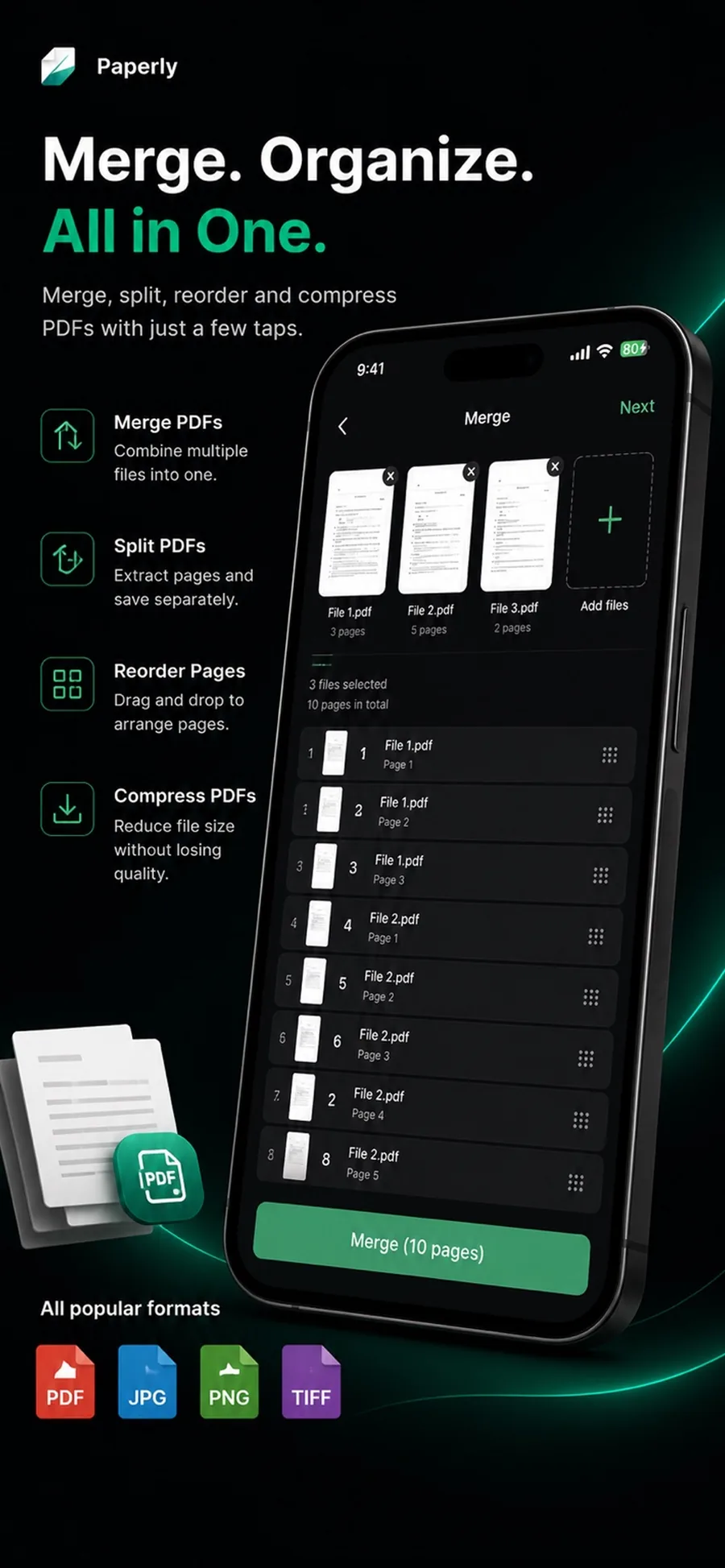
A PDF editor changes the document itself — not just the view of it. Paperly's editor covers the operations real paperwork needs: merging files together, splitting pages out, reordering, annotating, signing, and compressing, all inside the same private workspace on the device.
When you reach for it
- Several PDFs need to be combined before they are sent
- Only some pages of a large PDF should be shared
- A document needs a signature, a date, or a stamped note
- A file is too large to email and must be compressed first
How Paperly does it
- 01
Open any document
Everything in your Paperly library — scanned, imported, or received — opens in the same editor with its pages laid out.
- 02
Shape the file
Merge in another PDF, split pages out, drag pages into a new order, and delete what should not ship.
- 03
Mark, sign, and shrink
Annotate with highlights and notes, place a saved signature, then compress to an emailable size — all before you export.
Questions people ask
Yes, Paperly is free to download and use. Essential PDF editing features like merging, splitting, signing, and compressing are available for free.
Yes. Editing operations — merging, splitting, signing, annotating, compressing — are computed locally on your device. Documents are never uploaded for processing.
Yes. Import a PDF from Files, Mail, or AirDrop and it opens in the same editor, with the same merge, split, reorder, sign, and compress tools.
Edits are applied to your working copy in Paperly. You decide what to export and where it goes — the source file in Files or Mail stays untouched.
Related features
Sign PDF
Sign PDF documents on iPhone or PC with no account.
ExploreConvert PDF
Convert PDFs to Word (DOCX), Excel (XLSX/CSV), PowerPoint (PPTX), and images (PNG/JPG) directly on your device.
ExplorePermanent Redaction
Permanently redact sensitive text and confidential data from PDFs on your device.
ExploreMerge PDF
Merge PDF files on your device with Paperly: combine scans and existing PDFs, arrange the page order, and export one file — processed locally.
Explore
Try pdf editor where it runs best.
Paperly for iPhone — private, on-device, and free to download.