PDF scanner app
Free PDF Scanner
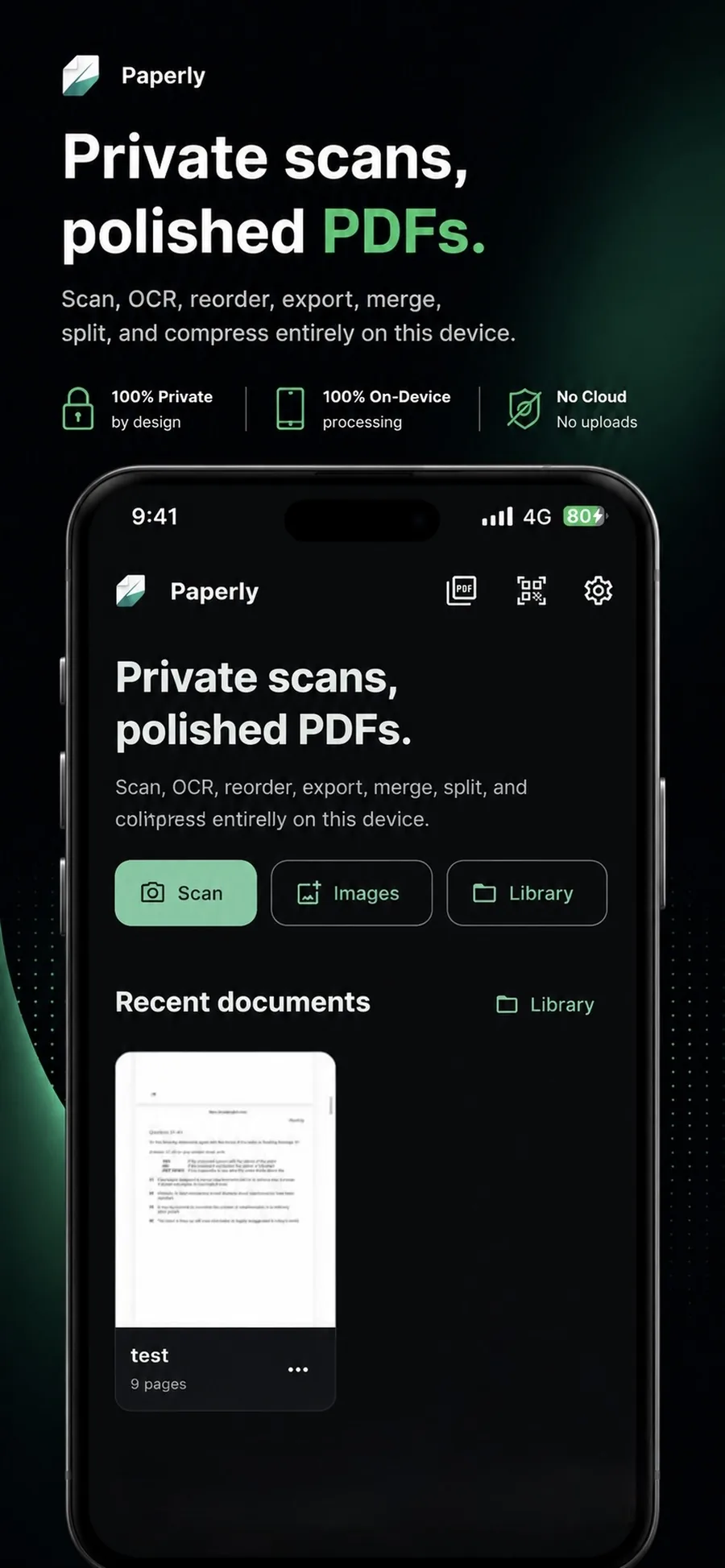
Paperly turns an iPhone or PC into a fully featured PDF scanner app you can trust with the documents you would never email to yourself. Everything—from the first snap of the camera to the final compressed PDF export—is captured, cleaned, and stored entirely offline.
What it is
A PDF scanner is a productivity app that turns paper documents into PDF files and manages them. Paperly acts as your complete on-device scanning studio: it captures pages using advanced edge detection, organizes them into a secure local library, and gives you the tools to share, search, and sign those PDFs without leaving the app.
When you reach for it
- A receipt, invoice, or bill needs to become a PDF for expenses or records
- An ID, passport, or insurance card needs a clean digital copy
- A signed paper form has to go back as a PDF, not a photo
- A stack of pages needs to become one tidy, multi-page document
How Paperly does it
- 01
Point at the page
Open the scanner and aim the camera at the document. Paperly detects the page boundaries in real time — on a desk, a counter, or in your hand.
- 02
Review the cleanup
The perspective is corrected and the image is cleaned into a flat, readable page. Adjust the crop or retake before anything is saved.
- 03
Keep scanning or finish
Add more pages to build a multi-page PDF, reorder them, then save to the on-device library or export straight to Mail, Messages, AirDrop, or Files.
Questions people ask
Yes, Paperly is free to download and use. You can scan documents, auto-crop edges, and export PDFs entirely for free.
No. Scanning, cleanup, OCR, and storage all happen on your device. Paperly has no document servers and no account system, so there is nowhere for your scans to be uploaded to.
Yes. Keep capturing after the first page and Paperly builds a single multi-page PDF. You can reorder pages before saving, and split or merge the file later if you change your mind.
Yes. On-device OCR recognizes the text in your scans, so you can search document contents and copy text out of them — without an internet connection.
Related features
Document Scanner
Free on-device document scanner with real-time edge detection, perspective correction, and shadow-lifting filters.
ExploreScan to PDF
Streamlined scan to PDF workflow for your device: capture multi-page paper documents, auto-crop edges, reorder pages, apply offline OCR, and export clean PDFs.
ExploreOCR
Paperly's on-device OCR turns scanned documents and photos into searchable, selectable text without internet or cloud uploads.
Explore
Try pdf scanner where it runs best.
Paperly for iPhone — private, on-device, and free to download.