Scan ID cards to PDF
ID Card Scanner
Banks, government portals, rental agencies, and employers routinely require both sides of your identification card presented on a single sheet. Instead of manually taking two photos, pasting them into a document editor, and wrestling with margins, Paperly's ID scanner provides a guided capture flow: snap the front, flip to snap the back, and instantly export a clean, balanced PDF with both sides perfectly aligned.
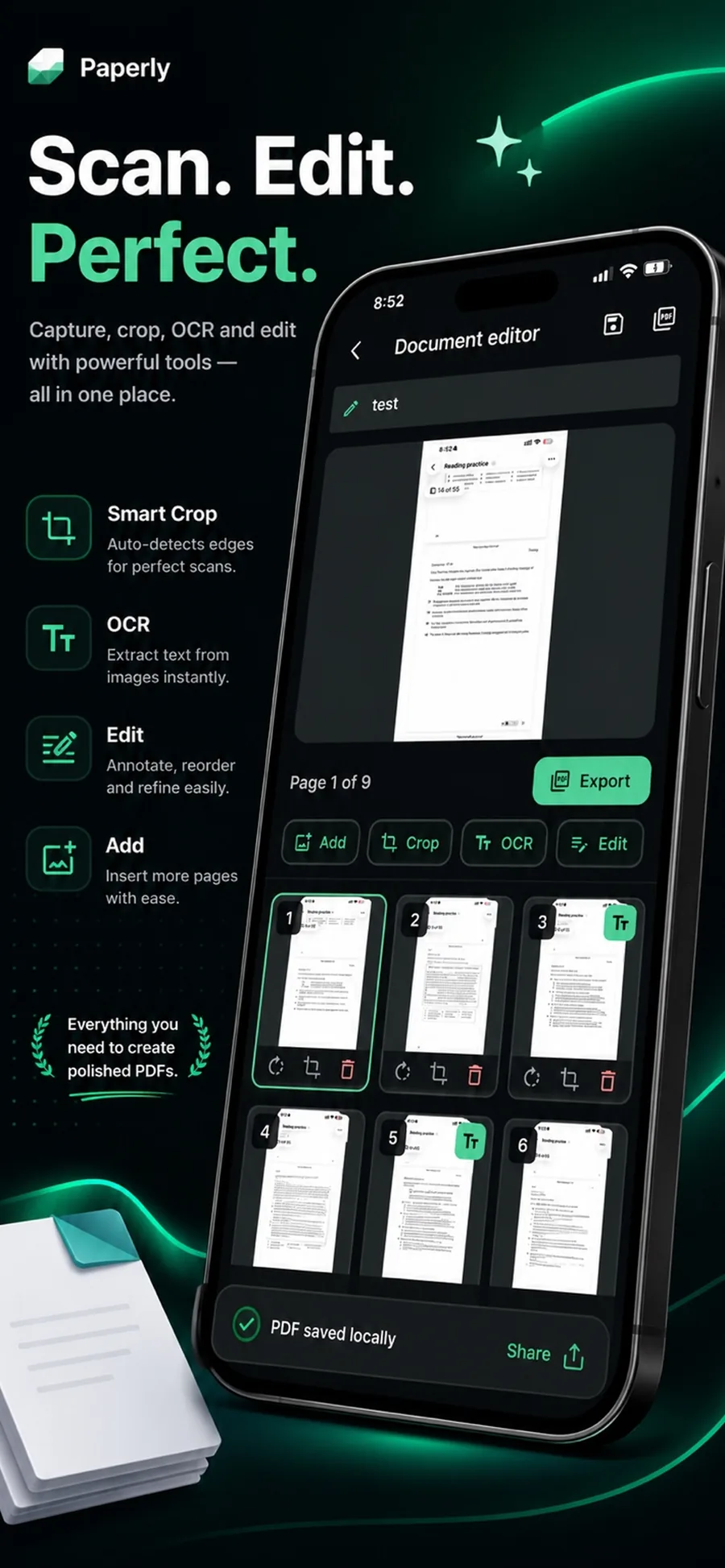
What it is
An ID card scanner captures both the front and back of an identification card—such as a driver's license, national identity card, state ID, student badge, or health insurance card—and automatically arranges them onto a single, print-ready PDF page. Paperly executes the entire edge detection, cropping, and 2-in-1 layout process locally on your device with no cloud uploads.
When you reach for it
- Completing KYC (Know Your Customer) verification for financial accounts, exchanges, or banks
- Submitting front and back copies of your driver's license or state ID for employment onboarding
- Scanning health insurance cards, membership cards, or student IDs onto one printable sheet
- Backing up identity documents securely on your device without storing photos in unencrypted cloud libraries
- Preparing identity documentation for legal contracts, lease agreements, or notarizations
How Paperly does it
- 01
Capture the front side
Aim your camera at the front of your ID card. Paperly's real-time edge detection identifies the card boundaries against your desk or background, automatically straightening perspective and removing glare.
- 02
Flip and capture the back
Flip the card over when prompted. The scanner detects the back side, captures barcodes, magnetic strips, and endorsement text, and matches the aspect ratio of the first capture.
- 03
Auto-arrange onto a single page
Paperly automatically composes both sides onto a standard A4 or US Letter page, properly spaced and centered for standard printing, and saves the final PDF to your private offline library.
Questions people ask
Select ID Card mode in Paperly. Hold your phone or camera over the front of the card until the green edge detection locks in. The app automatically triggers capture, prompts you to flip the card, captures the back, and automatically arranges both sides stacked neatly on one single PDF page.
Yes. Unlike online scanning portals that upload images of your driver's license or passport to remote cloud servers, Paperly processes and stores everything locally on your device. Zero document data is sent over the network.
Place your card on a solid, non-reflective surface that contrasts with the color of the card (for example, a dark wooden desk or dark mousepad for light-colored cards). This allows edge detection to cleanly isolate the card corners.
Yes. In addition to standard credit-card-sized IDs (ISO/IEC 7810 ID-1), Paperly handles passports (ID-3), work visas, laminated permits, and folded identity certificates.
Related features
Document Scanner
Free on-device document scanner with real-time edge detection, perspective correction, and shadow-lifting filters.
ExploreScan to PDF
Streamlined scan to PDF workflow for your device: capture multi-page paper documents, auto-crop edges, reorder pages, apply offline OCR, and export clean PDFs.
ExplorePDF Scanner
Paperly is a PDF scanner app for your device with automatic edge detection, cleanup filters, on-device OCR, and local storage.
ExplorePermanent Redaction
Permanently redact sensitive text and confidential data from PDFs on your device.
Explore
Try id card scanner where it runs best.
Paperly for iPhone — private, on-device, and free to download.