Multilingual OCR scanner
Multilingual OCR
Most offline scanners only read English, forcing you to upload foreign-language documents to a cloud service. Paperly ships with a powerful multilingual OCR engine that recognizes text across different alphabets—entirely on your iPhone or PC.
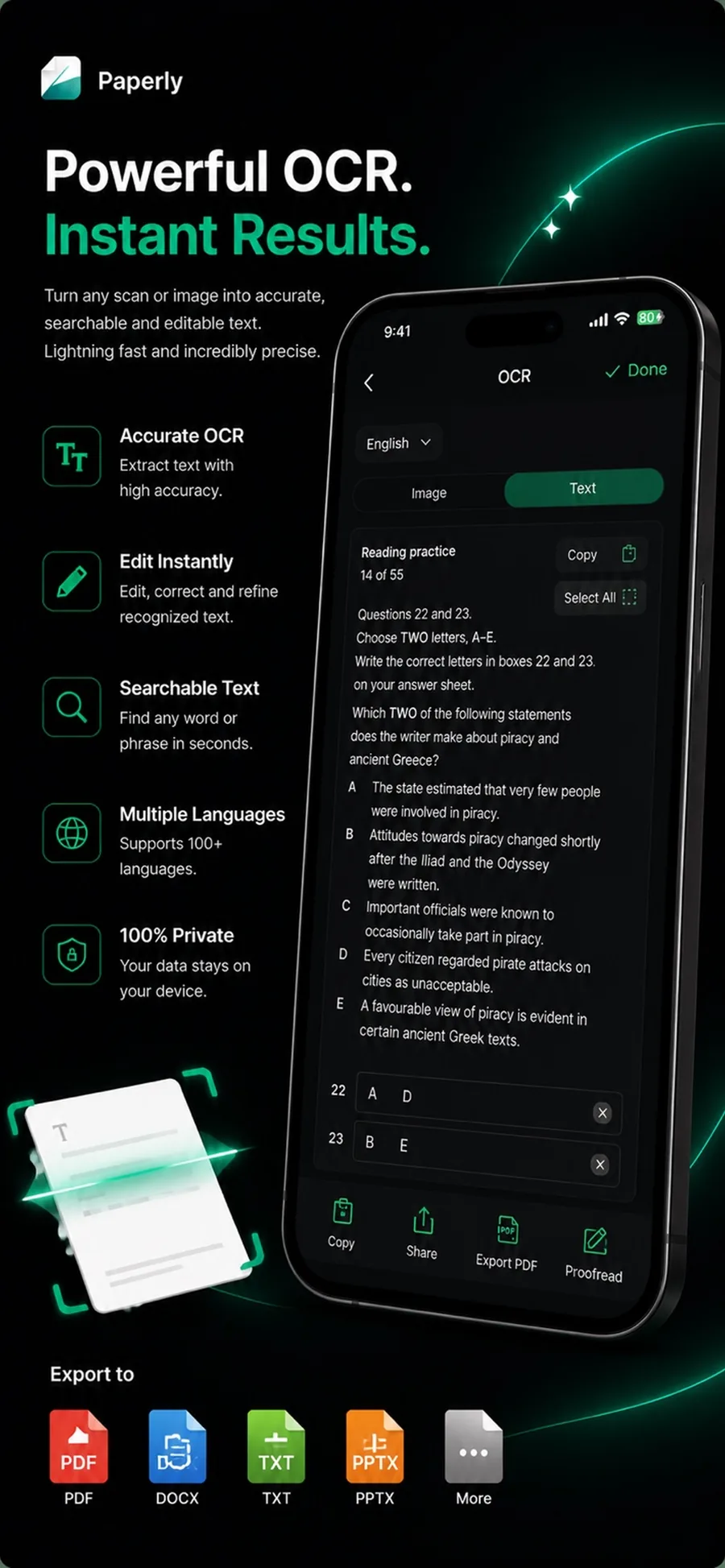
What it is
Multilingual OCR reads text in multiple languages and scripts from scanned documents and images. Unlike cloud-based OCR services that require uploading your documents, Paperly supports diverse languages directly on your device, ensuring complete privacy.
When you reach for it
- Scanning a document written in a language other than English
- Extracting text from a bilingual or mixed-language document
- Processing foreign IDs or travel documents securely offline
- Converting international invoices into searchable PDFs
How Paperly does it
- 01
Automatic Language Routing
Paperly's engine automatically detects the script and routes the text to the best language model, so mixed documents work without manual selection.
- 02
On-Device Recognition
The OCR models run completely locally. The document is never sent to a translation or recognition server.
- 03
Searchable Output
The recognized text is embedded invisibly into the PDF, allowing you to search, select, and copy the text in its original language.
Questions people ask
On Windows, Paperly supports 17 languages: English, Hindi, French, German, Spanish, Portuguese, Italian, Dutch, Polish, Turkish, Indonesian, Russian, Arabic, Chinese (Simplified & Traditional), Japanese, and Korean. On iPhone, it supports Latin-script languages and Hindi.
No. All supported language models are processed entirely on-device. You can scan and extract text from foreign documents even while in airplane mode.
Yes. By default, Paperly uses automatic multilingual routing, which handles documents that mix English with another supported language seamlessly.
Related features
Try ocr supported languages where it runs best.
Paperly for iPhone — private, on-device, and free to download.